Reliable Access Link
Keep one verified 110NEX login route available, such as an official bookmark. This can reduce exposure to imitation pages, shortened links, and misleading promotional messages.
 Register
110NEX Login helps registered users in the Philippines return to their account, check profile information, review wallet records, and manage account notices from a browser or mobile device. This guide covers sensible sign-in steps, official page checks, verification prompts, recovery options, and practical habits for protecting account details during every session.
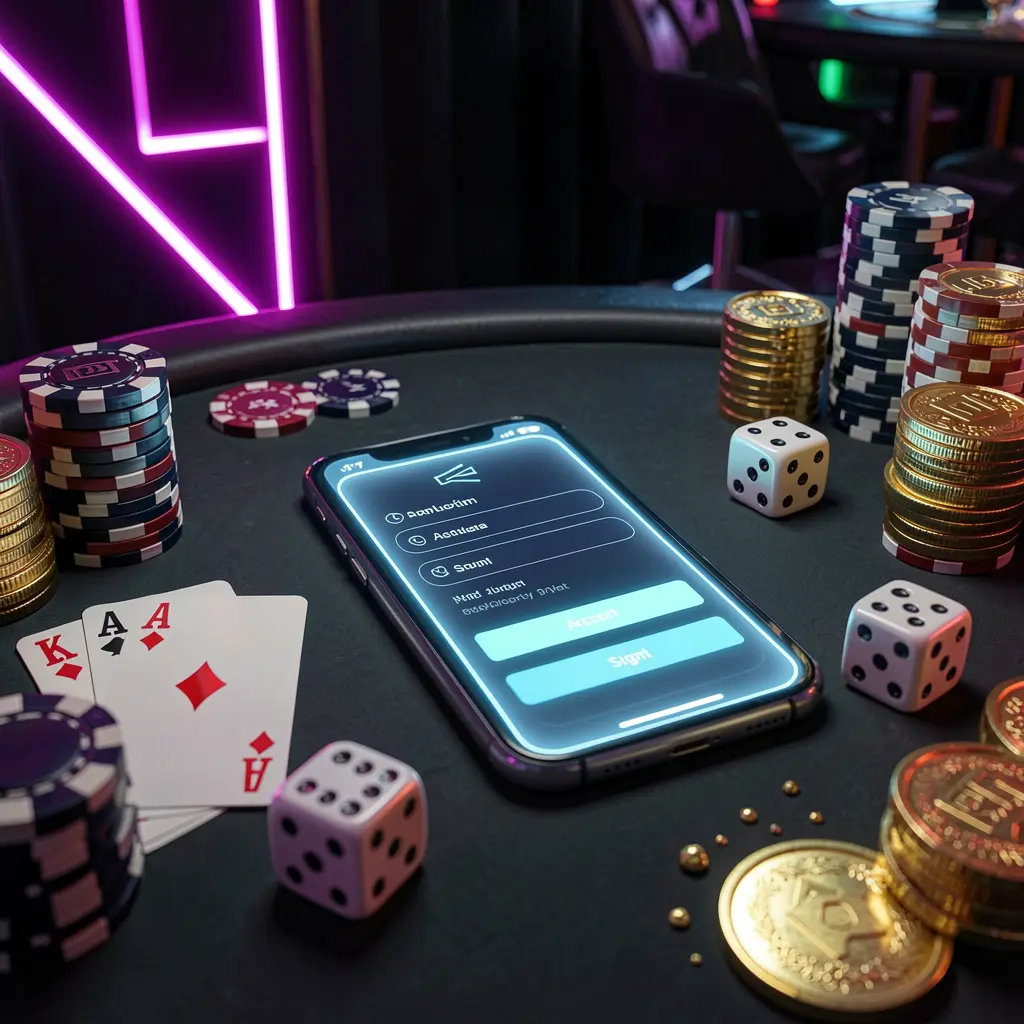
The 110NEX Login page is where registered users access their account area. Before entering a username, phone number, email address, or password, take a moment to confirm that the page is the expected 110NEX sign-in route.
Careful checks are especially useful on mobile devices, where advertisements, forwarded links, browser auto-fill, and copied addresses can lead to an unfamiliar page. A consistent login process can help protect personal details and account activity.
Users in the Philippines should also consider privacy, local requirements, and personal financial limits when accessing gaming-related services. Being able to sign in does not replace the need to understand platform terms and applicable rules.
Use the same careful sequence whenever you open your 110NEX account. It keeps the process simple while reducing the risk of entering sensitive information on an incorrect or untrusted page.
Use the official 110NEX website, a saved bookmark, or an official app entry. Avoid opening login forms from unsolicited messages, unfamiliar advertisements, or links shared by unknown contacts.
Check the website address, page name, language, and browser security indicator before typing. Leave the page if it contains unusual spelling, unexpected downloads, repeated redirects, or unfamiliar requests.
Enter the phone number, email address, username, or account ID linked to your profile. Check password spelling and keyboard settings, and do not disclose passwords or one-time codes.
Once signed in, review profile details, account notifications, recent records, and security messages. If you notice activity you do not recognize, log out and contact official support.
Keep one verified 110NEX login route available, such as an official bookmark. This can reduce exposure to imitation pages, shortened links, and misleading promotional messages.
Keep access to the phone number or email connected with the account. Current contact details make verification notices and recovery instructions easier to receive when needed.
One-time passwords, email links, and confirmation codes are private security details. Enter them only on the official 110NEX page and never share them through chat.
Review recent logins, profile changes, messages, and wallet records after access. Early checks can make it easier to spot an unexpected change or unfamiliar notice.
Many users access 110NEX from a phone, making device security part of the login routine. Browser updates, stable connectivity, screen privacy, and the source of any installed app can all affect account safety.
Use a current browser and enter the verified address directly when possible. Avoid allowing a borrowed device to save passwords, recovery details, or account notifications.
A different phone or browser may trigger a code, captcha, or confirmation request. Complete it patiently on the official page and avoid repeatedly submitting the form.
If an app is available, obtain it only through an official source. Review app permissions after installation and remove outdated files that could be mistaken for current software.
Shared devices can retain browser history, screenshots, saved passwords, and notifications. Log out completely, close the session, and avoid sensitive account actions on phones you do not control.
If you cannot access 110NEX, avoid rushing into repeated login attempts or sharing information with unofficial contacts. First check your login details, internet connection, code expiry, and whether you are using the correct official address.
Password recovery should begin through the official 110NEX recovery option. Choose a new password that is strong and not reused for email, banking, or social accounts. Adults using gaming-related services should follow local rules, keep spending within affordable limits, and step away if activity affects finances, work, study, relationships, or wellbeing.
Answers to common 110NEX Login questions about account access, mobile devices, verification codes, password recovery, and safer sign-in practices.
Use the official 110NEX website, a verified bookmark, or the platform’s official app entry. Avoid sign-in links from unsolicited messages, unknown social accounts, and unverified advertisements.
You can access the login page through a mobile browser when available. Keep the browser updated, confirm the official address, and avoid saving account information on shared devices.
Check mobile signal, email folders, blocked messages, inbox storage, and whether the registered phone number or email remains active. Request another code only through the official page.
Use the official 110NEX password recovery feature. Do not share reset links, passwords, OTP codes, or personal documents with unofficial contacts claiming to provide support.
Review your profile information, account notices, recent activity, wallet records, and security alerts. If anything appears unfamiliar, end the session and use the official support route.